Single-file HTML landing pages
One file holding the CSS, the JavaScript and the graphics. Double-click it and it runs.
Why one file
- Portable: email it, drop it in a repo, attach it to an issue. It works wherever it lands.
- Reviewable: the whole page is one diff, which is easy for a person or an agent to check.
- Durable: there is no dependency tree to rot. A file that works today still works in five years.
- Fast: no framework runtime has to download before anything renders.
How these files are built
Styles live in one <style> block, organised around custom properties at the top, so a rebrand is a handful of values. Scripts live in one <script> block. Graphics are inline SVG, CSS or canvas, so there are no image requests.
When a page needs a library, such as three.js or GSAP, it loads one pinned version from a CDN. The pages below need none at all: plain HTML, CSS and JavaScript, typically around 100 KB in total.
When one file is no longer enough
Split it along its sections. Each page marks them with data-section attributes, so each one becomes a component in React, Vue, Svelte or Astro and the custom properties become your theme. An agent can make the split in one message because the structure is already labelled.
Single-file pages with zero dependencies
Each one is a single HTML file. Open the live demo, read the prompt that built it, or copy the code.
-
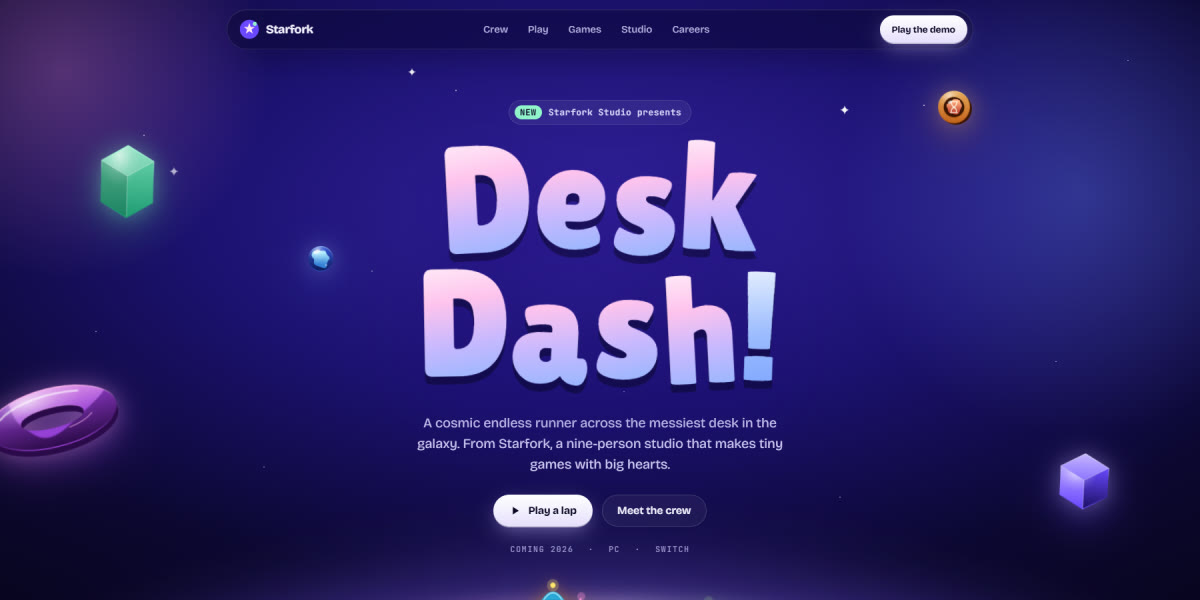
Starfork Game Studio Landing Page
A premium indie game studio page set in a cosmic toy world: eight sprite-rigged characters with real animation poses standing on a glowing planet, a character select with pose and frame-rate controls, a playable 30-second endless runner with coins and fireworks, live game cards, and a careers quiz
Live demoPromptCode -
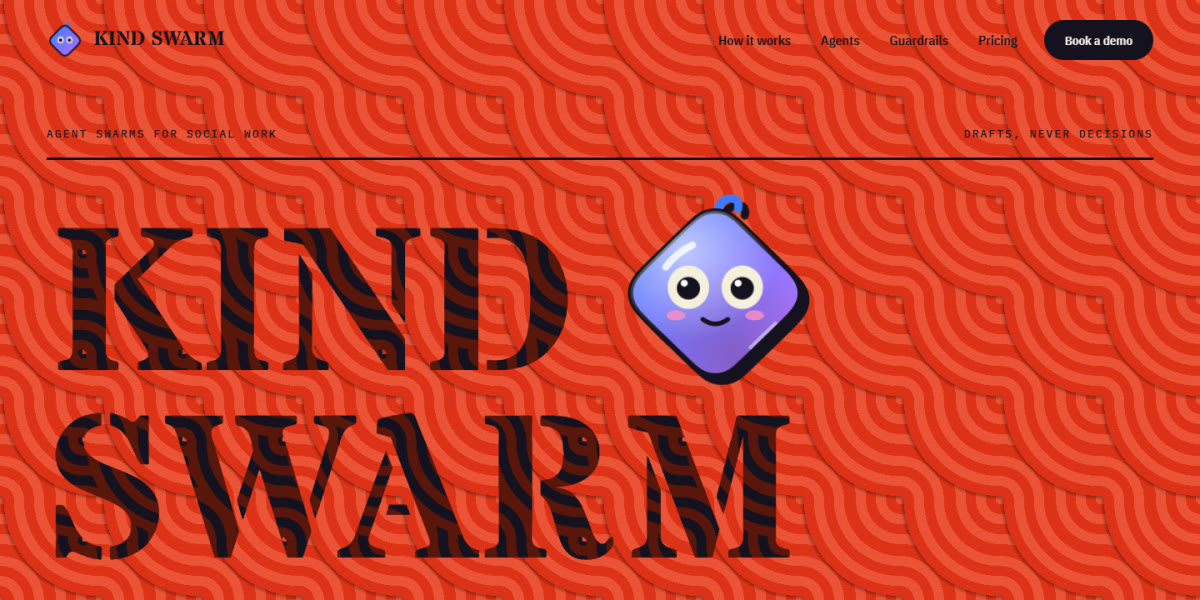
Social Work Agent Swarm Landing Page
A loud neo-brutalist page for a swarm of AI agents that help social workers: huge stencil type over op-art ring patterns, animoji characters whose eyes follow the cursor, a filterable crew of eight agent cards, an approval queue, guardrails and pricing
Live demoPromptCode -
AI Work Assistant Chat Landing Page
A soft pastel AI-assistant launch page whose hero is a working chat: it types its own first question, streams answers with thread cards, drafts and calendar slots, and is ringed by agent badges that spin, tick and fail on their own
Live demoPromptCode -
Maasai-Inspired Event Landing Page
A cultural events studio page on Maasai-inspired dusk: a Rive hero rebuilt in SVG where four warriors leap into the adumu, a scroll-driven frieze of leaping silhouettes, generated beadwork and gala art, and textures cut from the warriors' own shapes
Live demoPromptCode -
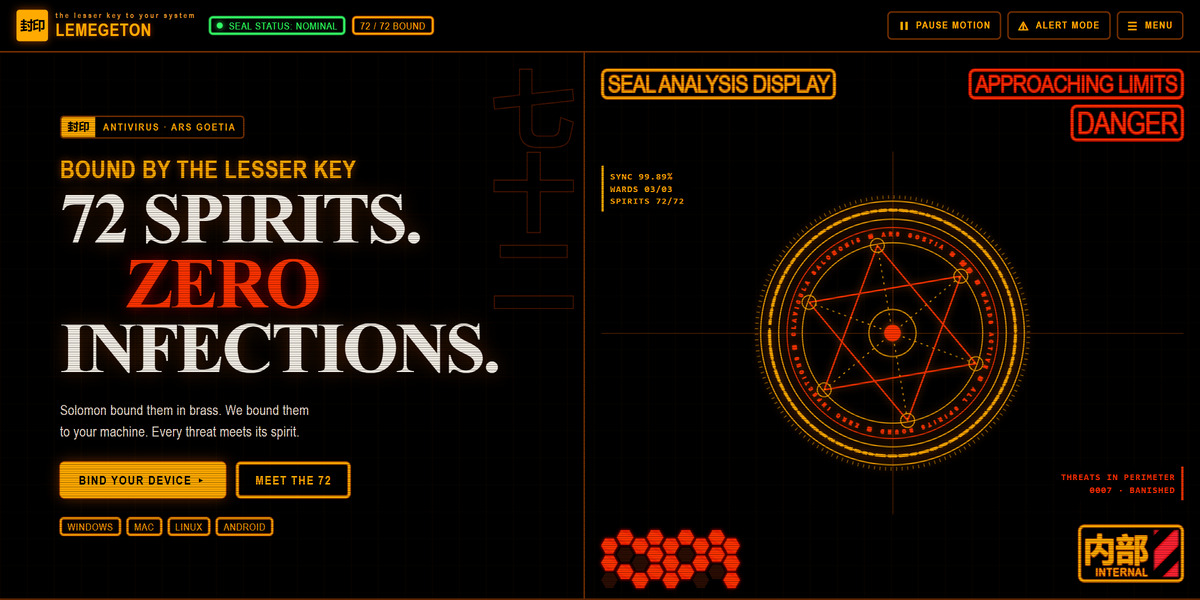
Hazard Terminal Security Page
Antivirus as an amber hazard terminal: a spinning seal HUD, a live scan where three cores vote, and a searchable grid of 72 spirits, each guarding a threat
Live demoPromptCode -
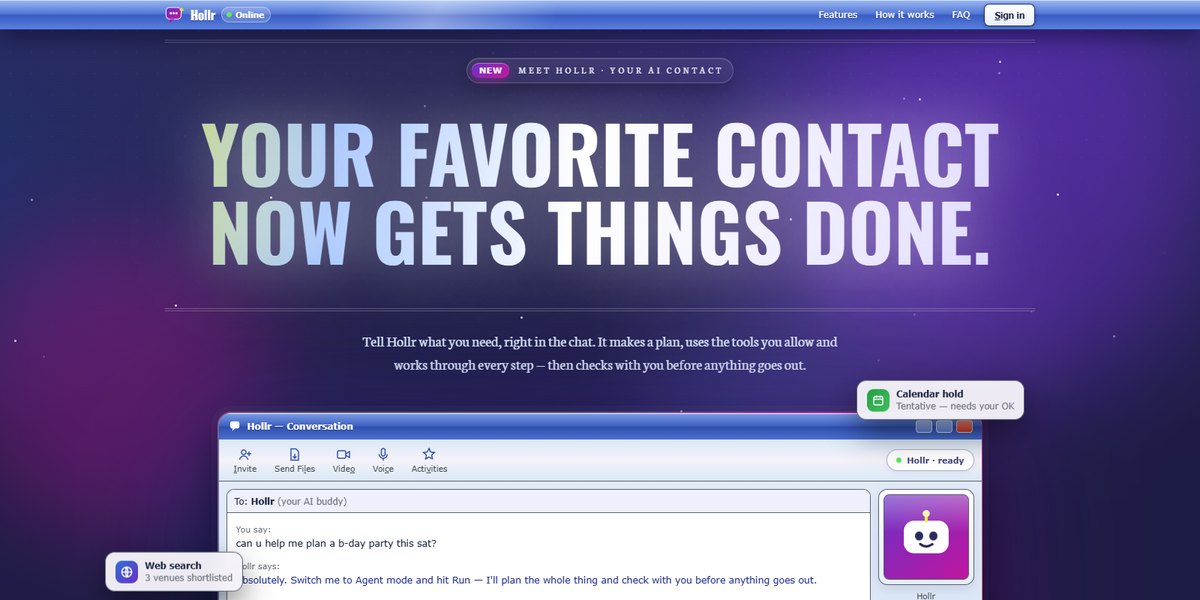
Retro Messenger Agent Page
An AI agent pitched as your old instant-messenger buddy: a working chat window that plans and runs tasks, nudges that shake the screen, and a buddy-list footer
Live demoPromptCode -
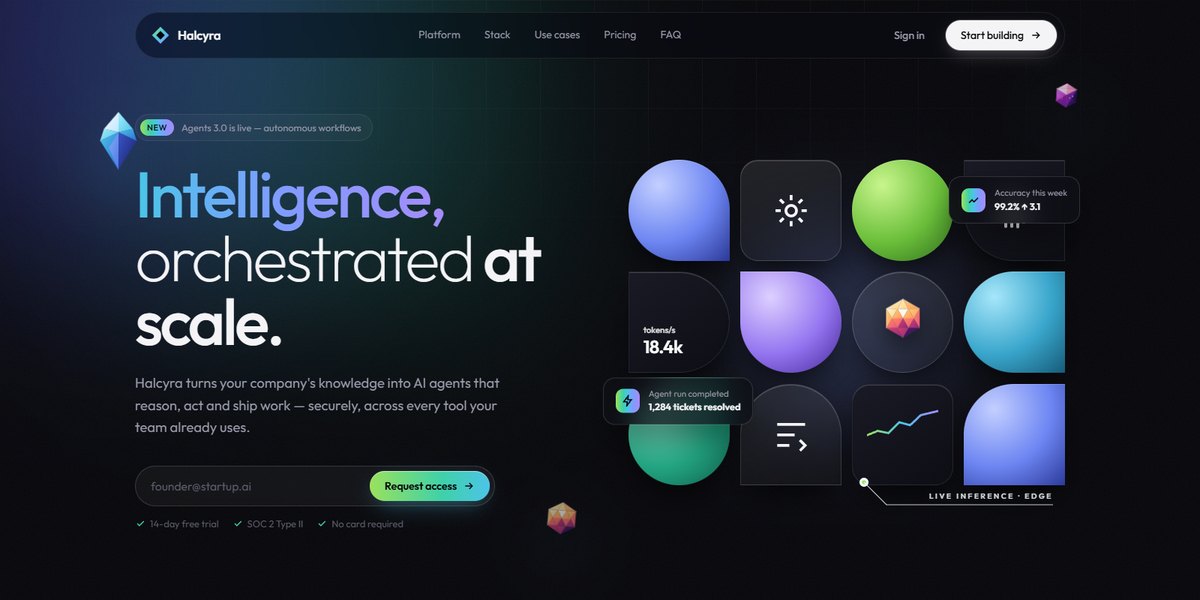
Faceted Iceberg Platform Page
An AI agent platform drawn in low-poly crystal: a shape-mosaic hero, an iceberg whose waterline drops as the platform takes on the stack, and a faceted sunrise footer
Live demoPromptCode -
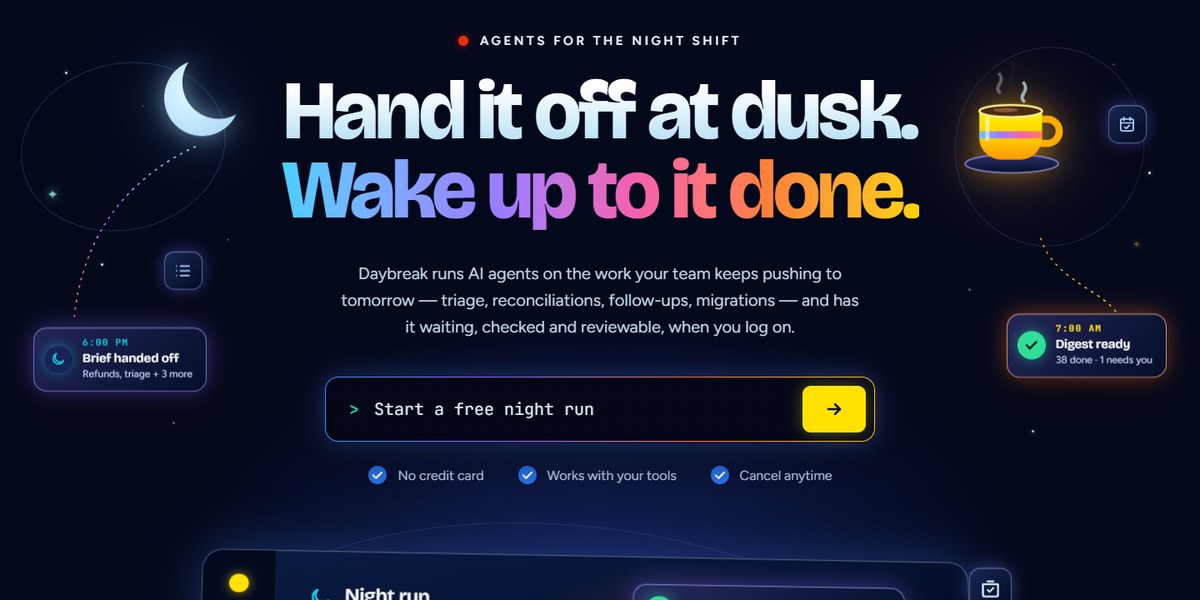
Paper Sun Agent Page
AI agents for the night shift: a paper-cut sunset panel you can slap stickers on, a dusk-to-daybreak arc, and a run log that stops to ask
Live demoPromptCode -
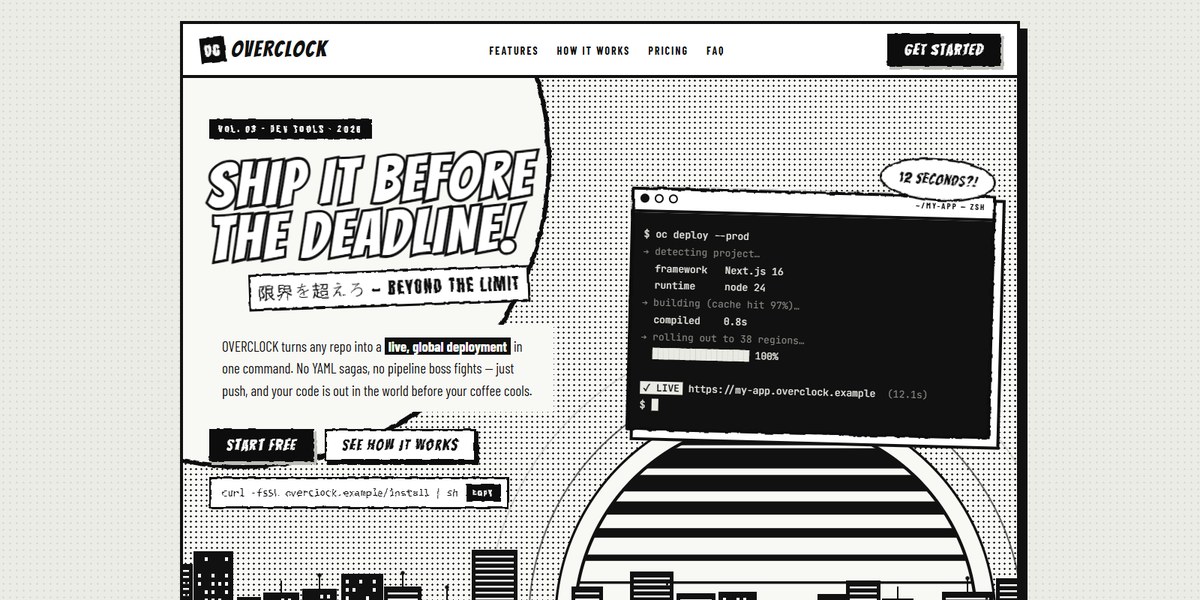
Manga Panel Dev Tool Page
A deploy CLI pitched as a black-and-white manga issue: a sliced retro sun over a city skyline, a typing terminal, three villains defeated and a reader-mail FAQ
Live demoPromptCode -
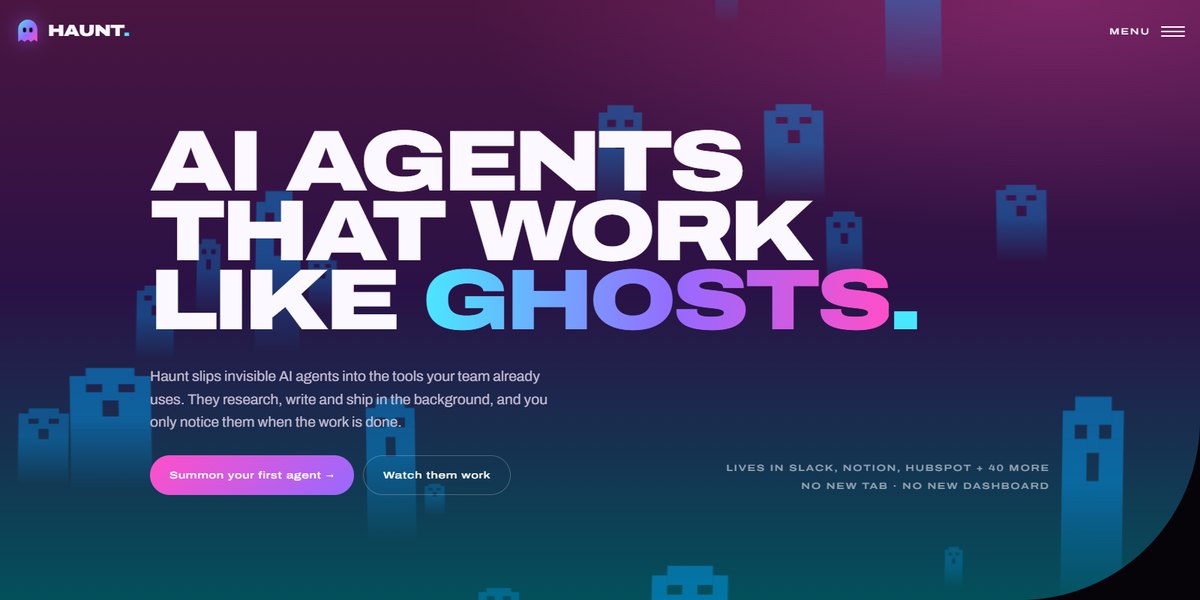
Ghost Agent Landing Page
Invisible AI agents pitched as ghosts: pixel ghosts float up a curved hero, and three SVG ghosts clear a 100-task board live
Live demoPromptCode -
Radiating Rings Hero Page
Concentric stadium rings radiating out of the call to action, under a streaked orb, with glass readouts floating in the gaps
Live demoPromptCode -
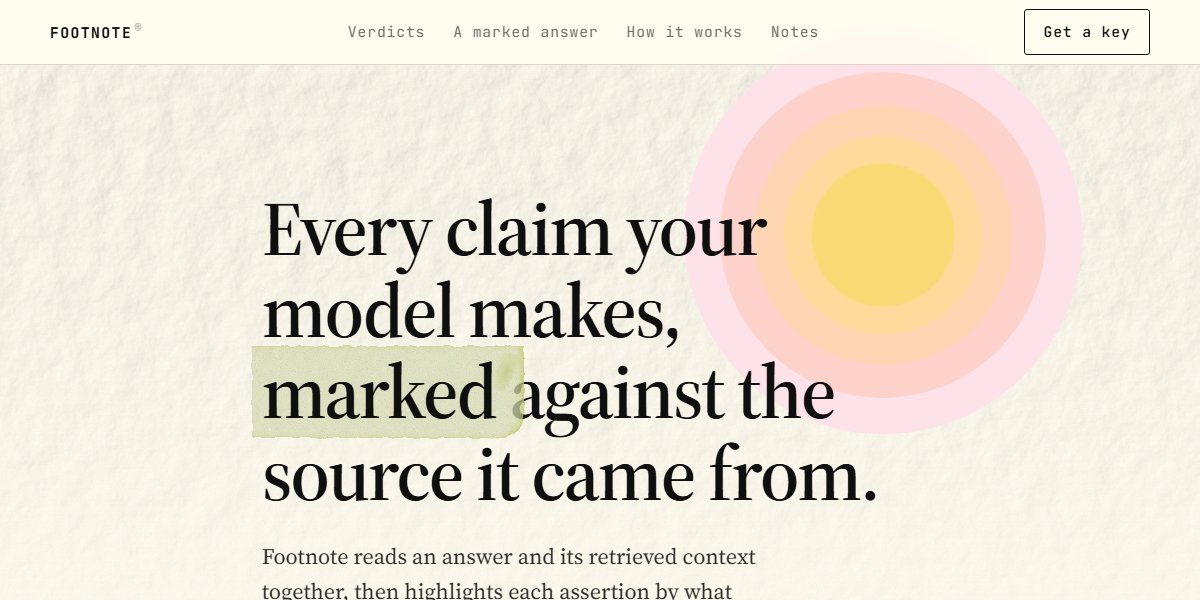
Highlighter Markup Page
A marked-up document: every highlight is a real highlighter, rough-edged by an SVG displacement filter, with a colour per verdict
Live demoPromptCode



Questions
Can a single HTML file include fonts and images?
Yes. Images can be inline SVG or data URIs, and fonts can come from a stylesheet link such as Google Fonts or be embedded as base64. Most pages here use inline SVG and a Google Fonts link.
Is a single-file page bad for SEO?
No. Search engines read the HTML, and a static file with real text, headings and a meta description is about as crawlable as a page gets. It also loads quickly, which helps.
How big does a single-file page get?
Smaller than you might expect. Most pages here are around 100 KB, and the most elaborate, with WebGL scenes and long scroll sequences, stay under 400 KB.